Core Components
Cerberus Language
A statically-typed programming language purpose-built for pentesting. Unlike general-purpose scripting, Cerberus uses an effects system that enforces scope boundaries at compile time. Code that tries to operate outside the defined assessment scope won’t execute - this isn’t just a warning, the code literally won’t run.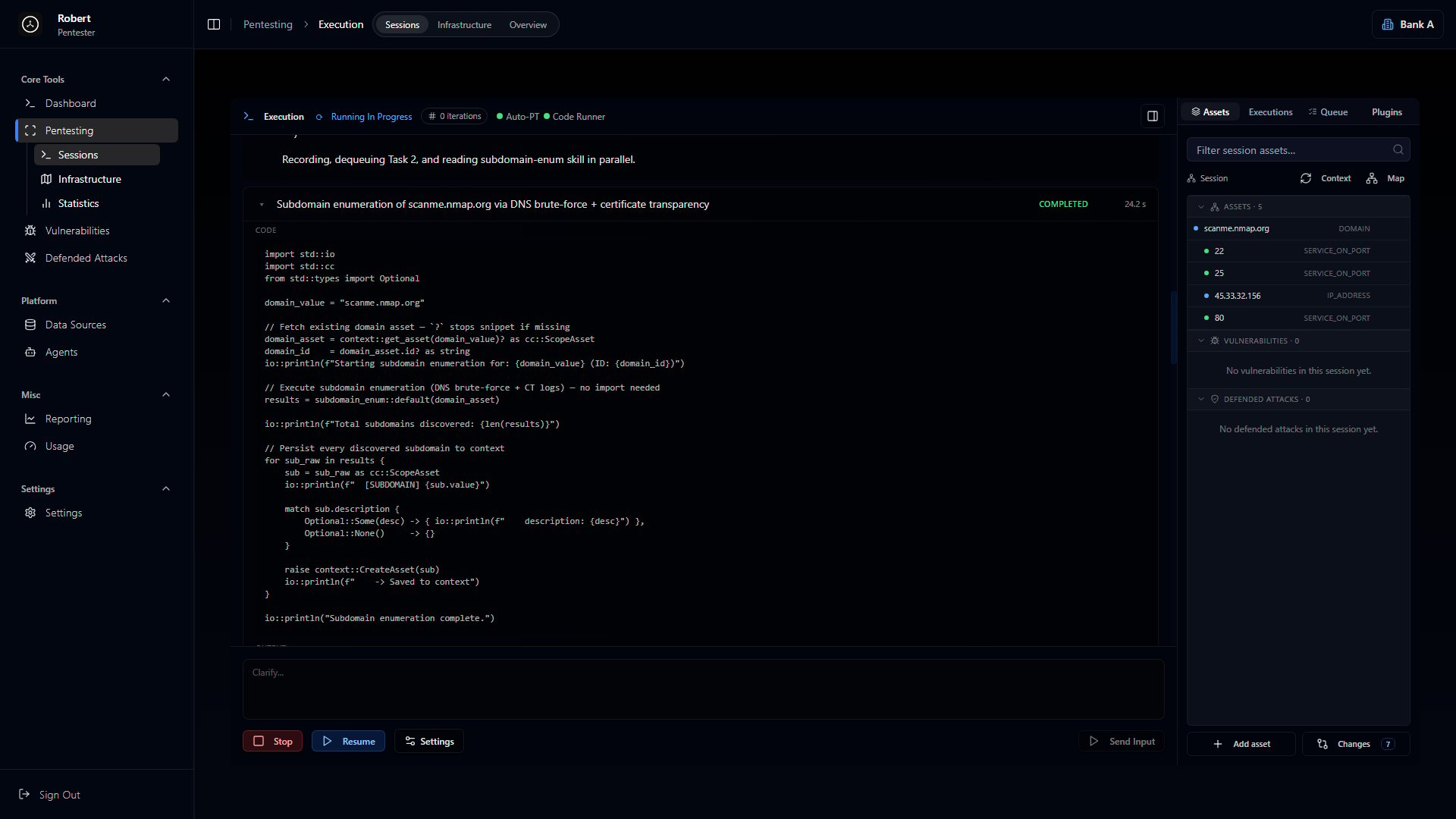
IDE for Ethical Hackers
A visual environment for attack planning and execution. Your target environment is displayed as an interactive graph where domains, IPs, services, and personnel appear as connected nodes. Instead of mentally piecing together how systems relate, you see it visually and explore the attack surface directly.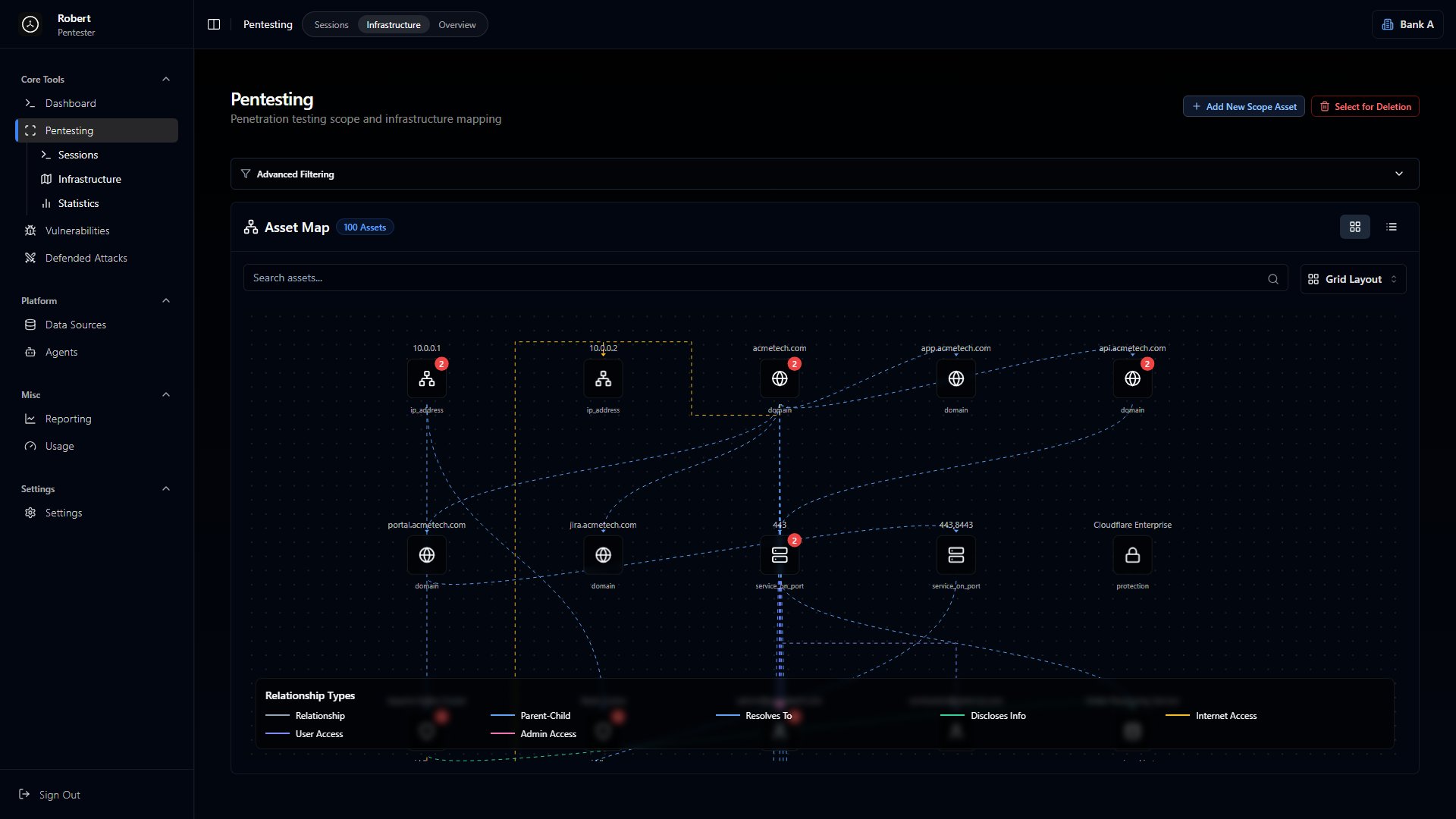
Asset Mapping
Network relationship graphs
Interactive Graph
Explore attack surface visually
Team Collaboration
Real-time collaboration
AI-Driven Automation (AutoPT)
An AI system that writes and executes Cerberus code based on natural language prompts. Describe what you want - something like “test all subdomains for SQL injection” - and it generates the code, runs the tests, observes results, adapts to defenses, and produces proof-of-concept evidence. It can run for hours or days without manual intervention.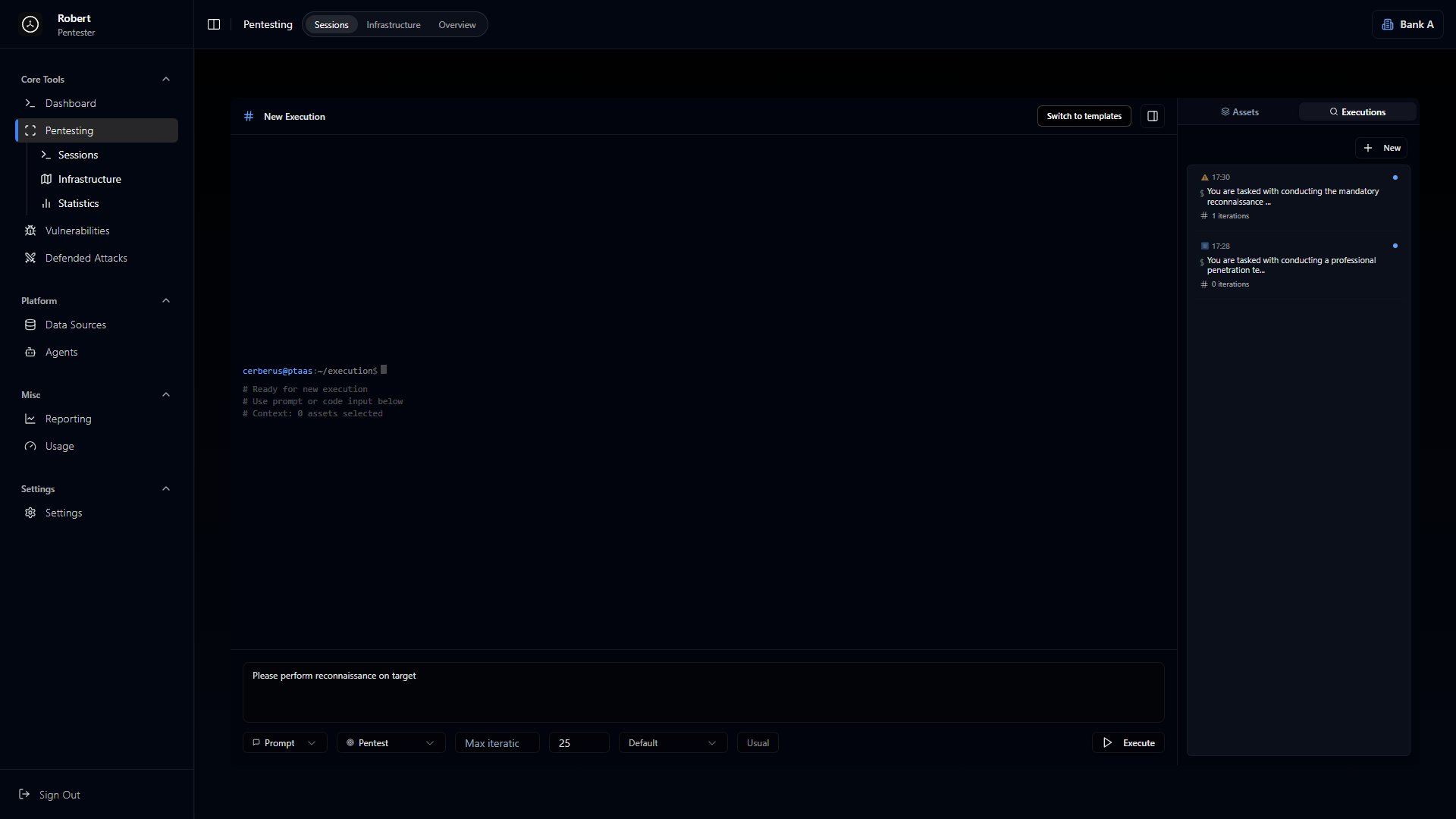
Platform Capabilities
Automated Pentesting
AI-driven tests that run continuously, adapting to defenses
Vulnerability Management
Track findings with severity scoring, remediation status, and attack vector mapping
Asset Discovery
Map infrastructure including domains, IPs, services, tech stacks, and personnel
Defended Attacks
Record when attacks get blocked - useful for understanding what protections are working
SAST/DAST
Static and dynamic application security testing
EASM
External attack surface management
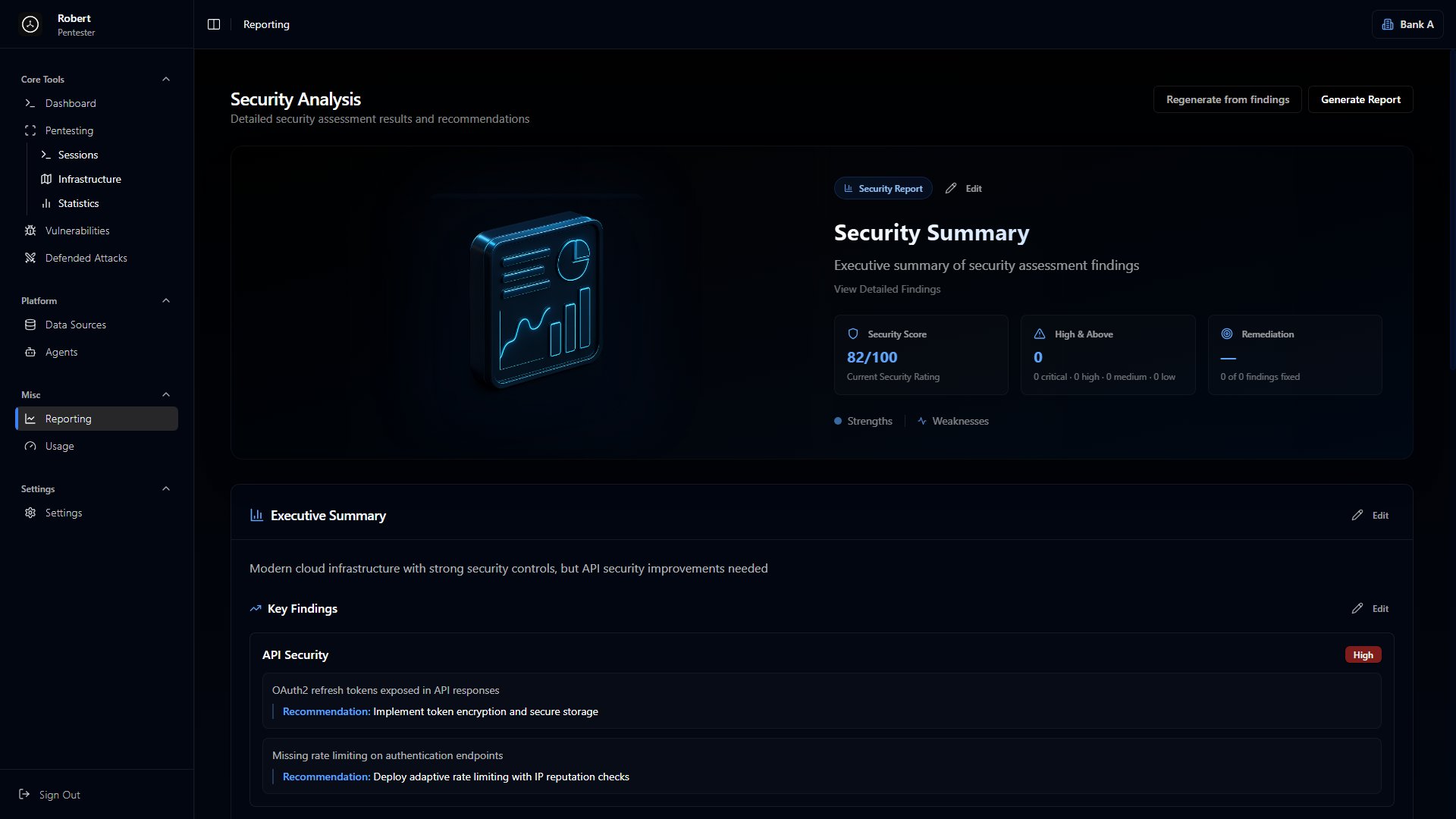
Reporting
Generate assessment reports with findings and remediation recommendations
How Teams Use It
A typical engagement follows this flow:1
Define Scope
Add target domains, IPs, and services to the platform
2
Reconnaissance
Map out subdomains, open ports, running services, tech stacks, and protection mechanisms
3
Testing
Write Cerberus code manually, use AI to generate tests, or combine both approaches
4
Track Findings
Vulnerabilities flow into the tracker where they’re scored, categorized, and linked to affected assets
5
Report
Pull everything together - findings, severity ratings, remediation recommendations, and scope documentation
The Workspace
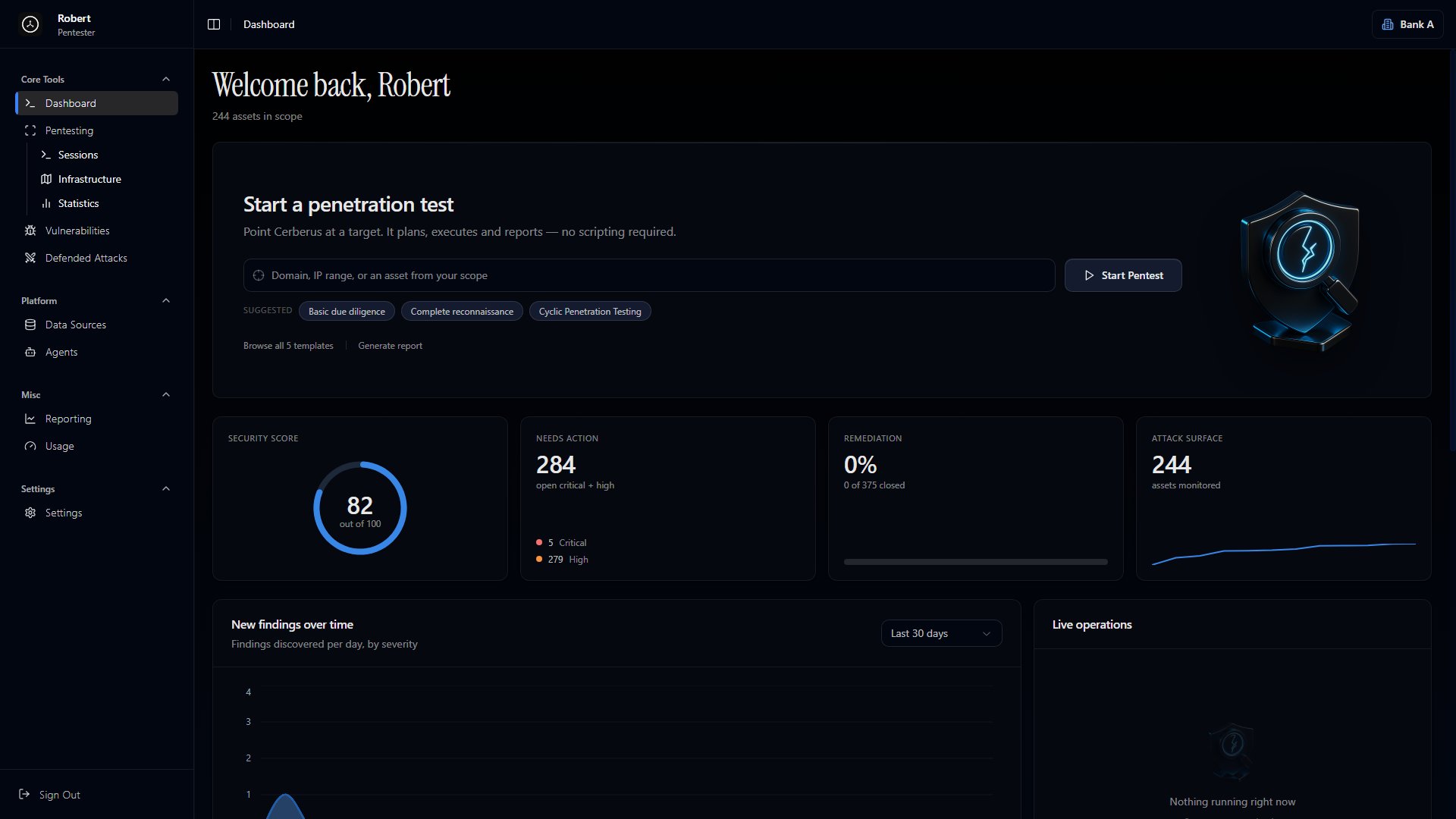
The platform is organized around these sections:Dashboard
Dashboard
High-level view of engagement status
Pentesting
Pentesting
Manage targets and explore the asset map
Vulnerabilities
Vulnerabilities
All findings with filtering and search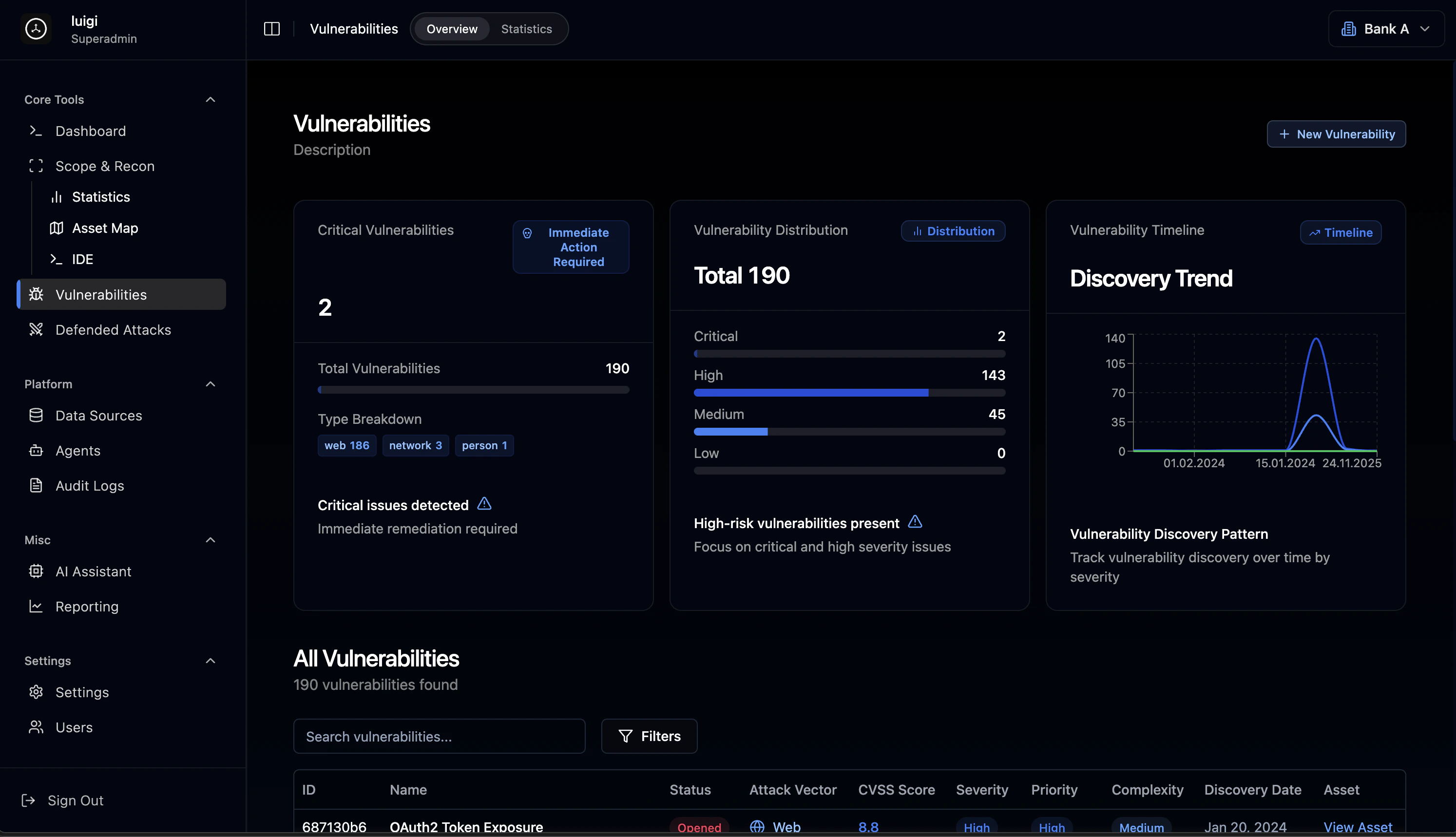
Defended Attacks
Defended Attacks
What got blocked and by what protection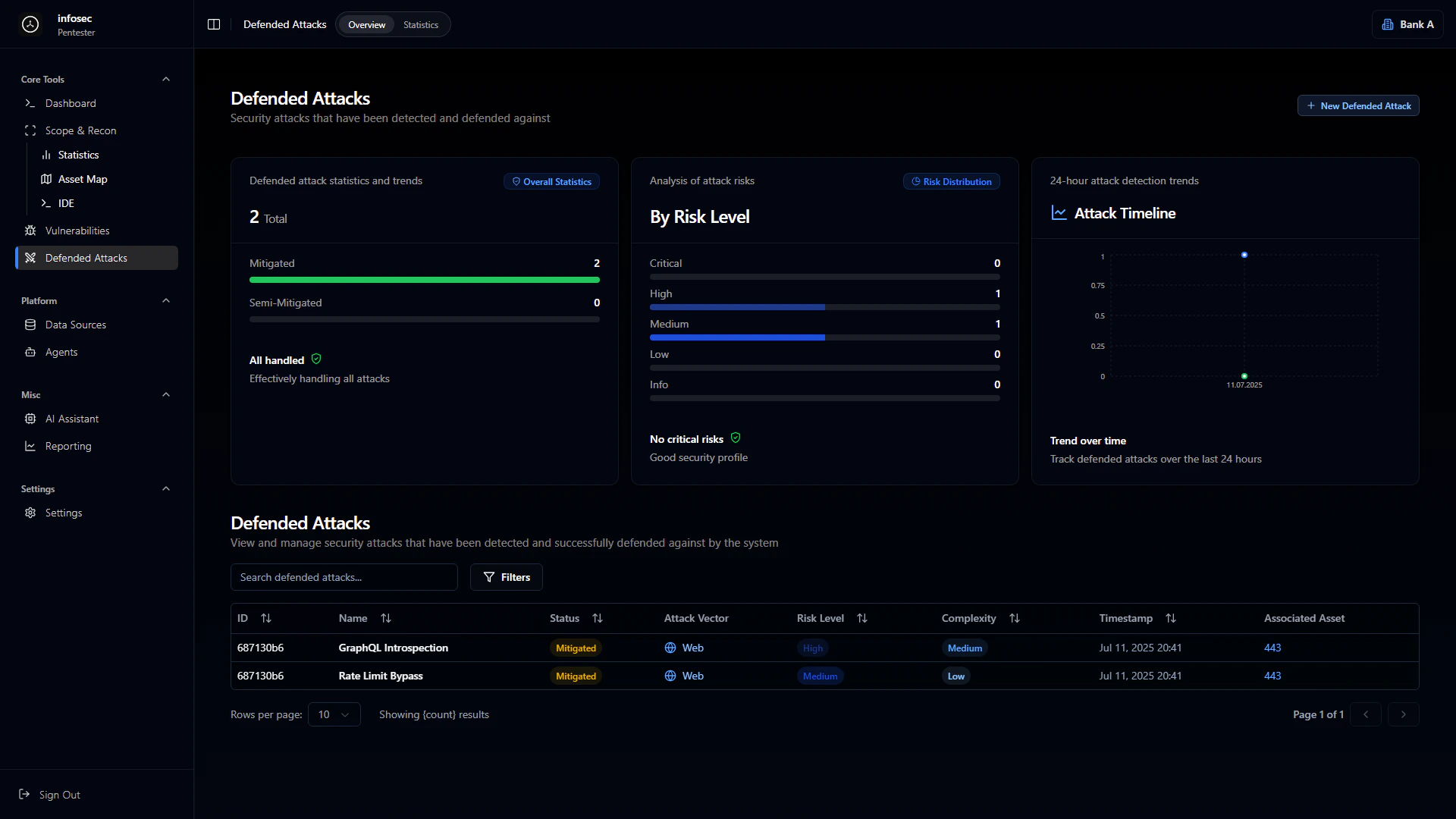
Agents
Agents
Schedule automated tests on a recurring basis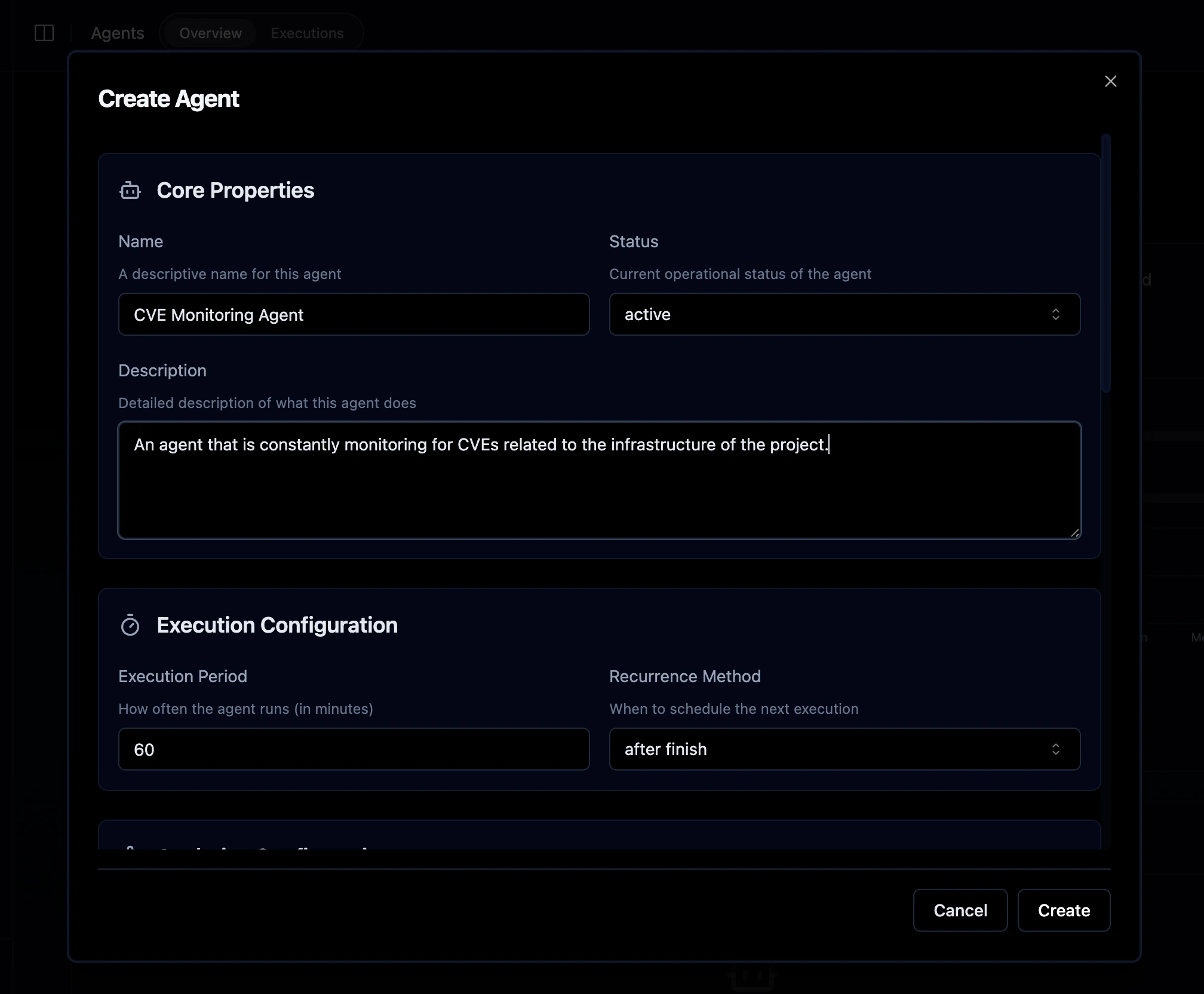
Reporting
Reporting
Document generation